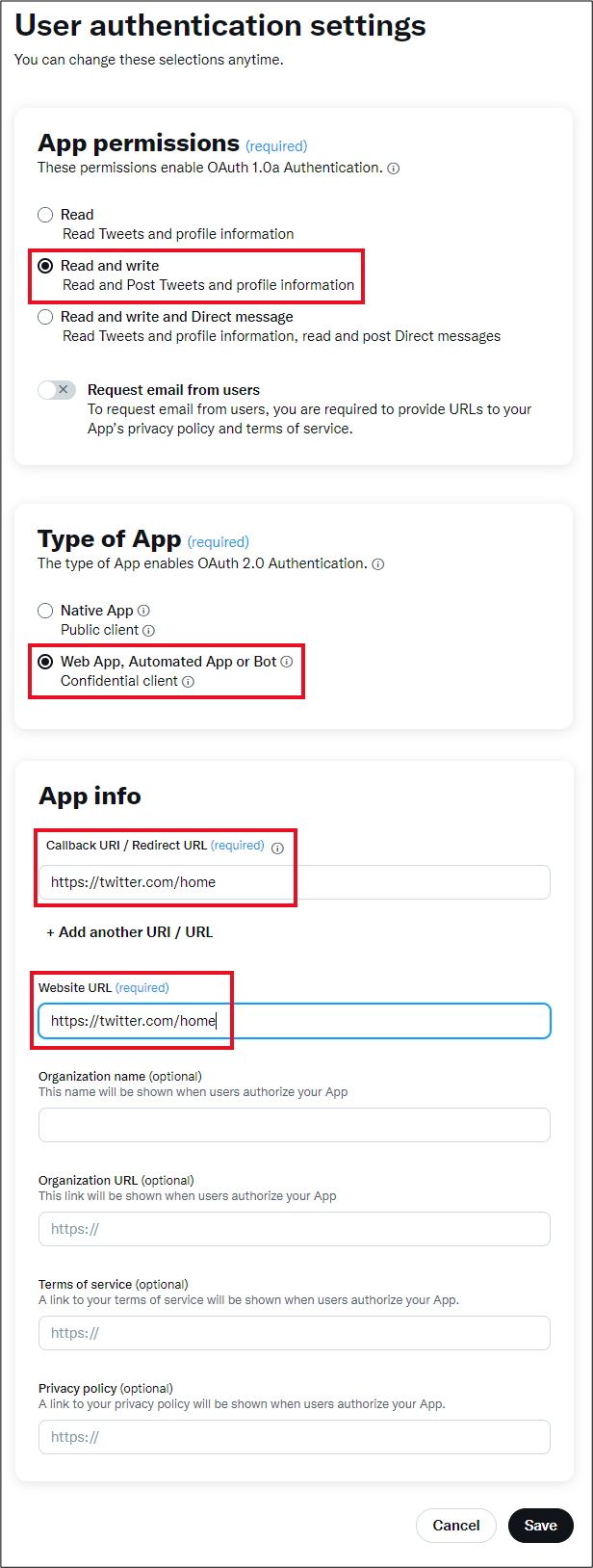
The default value of the app is Read-only. You won't be able to post Tweets with
this.
Change to Read-Write in this setting screen.
Important
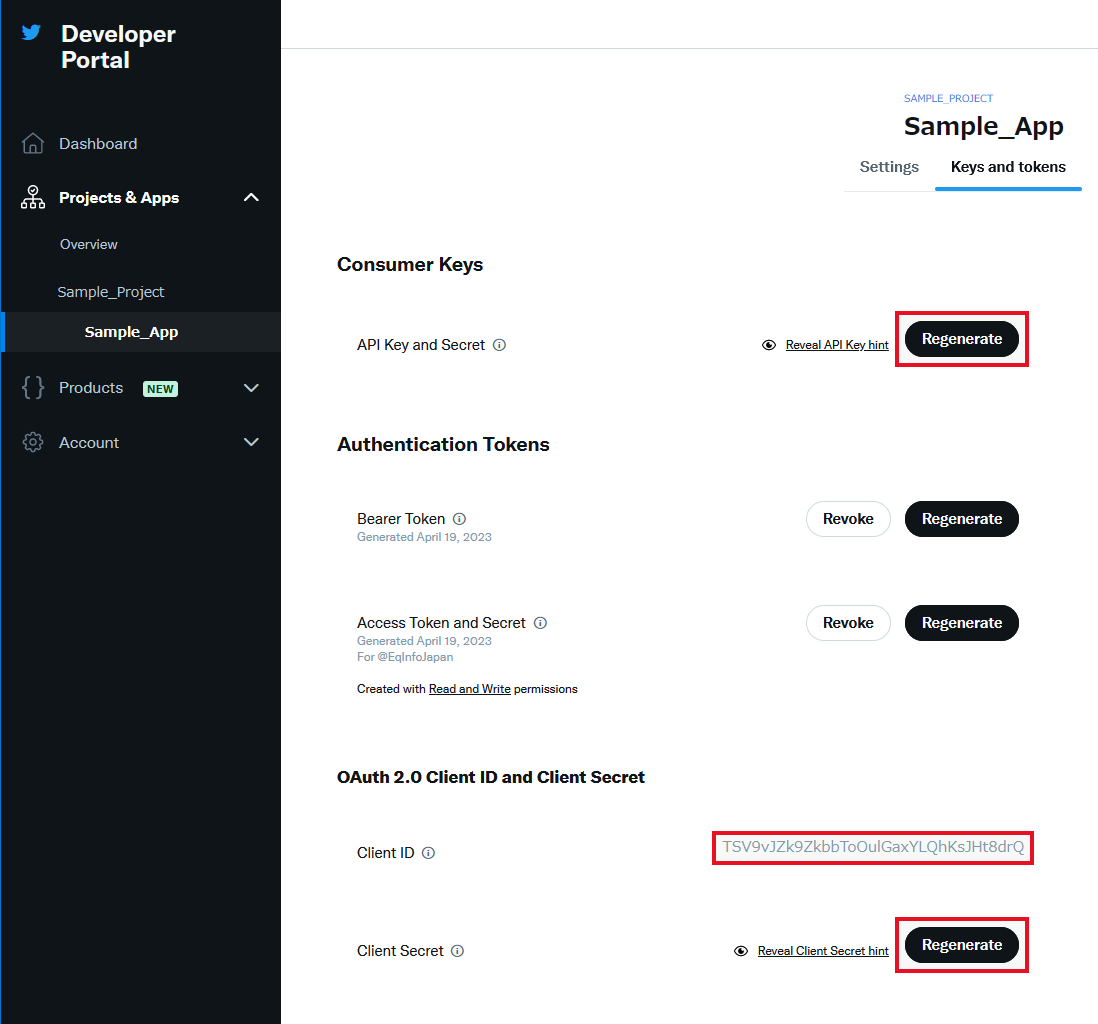
A screen to copy keys and tokens is displayed before this setting screen, and what is copied at that
time is only
read-only, and changing it here will not be a read-write.
Check Read and write under the App
permissions caption.
Check Web App, Automated or Bot under the Type of
App caption.
Under App info caption, type "https://twitter.com/home" in the Callback URI / Redirect URL and Website URL
input boxes.
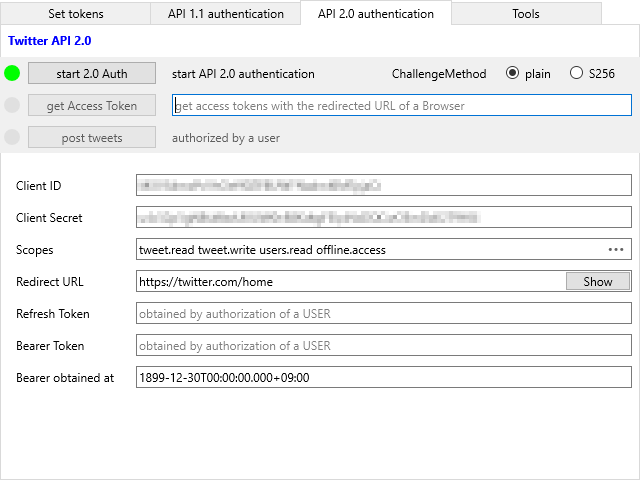
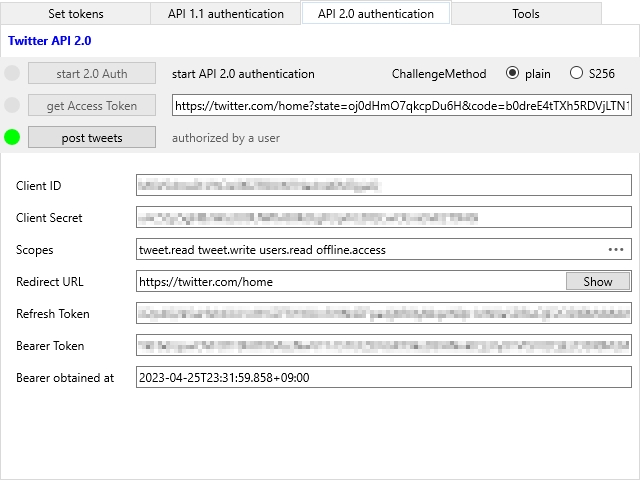
[API 2.0 Authentication]タブをクリックし、Twitter API 2.0画面を表示します。
ボタンをクリックします。
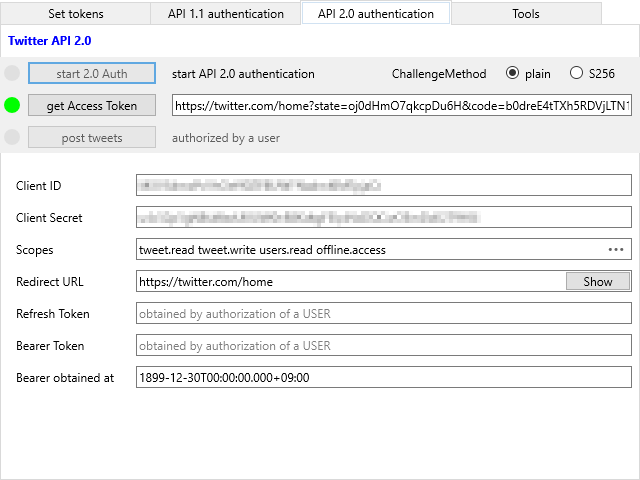
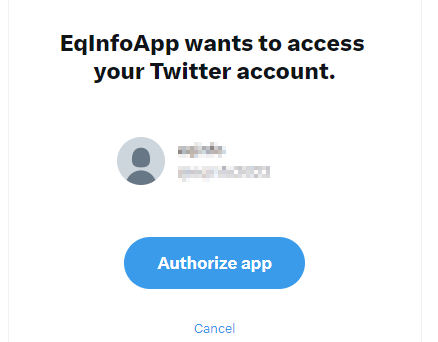
ブラウザ・ウィンドウが表示され、連携アプリの許可を求められます。
許可すると、デモアプリ側でトークンを取得するためのCodeが自動的にペーストされています。
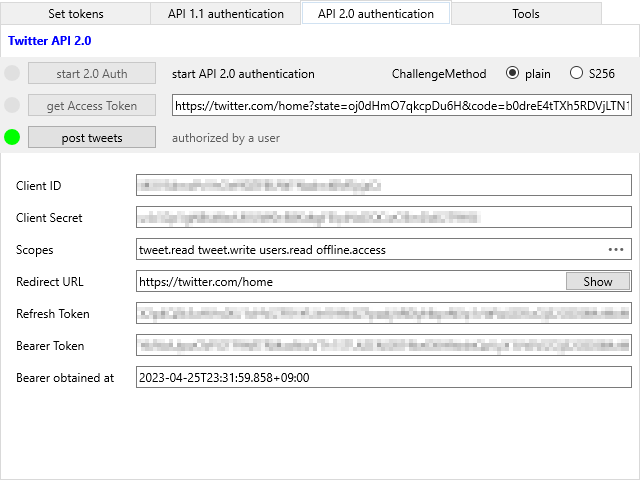
ボタンをクリックします。
ボックスが有効になったらv2 認証は成功です。
8. Post tweet with image
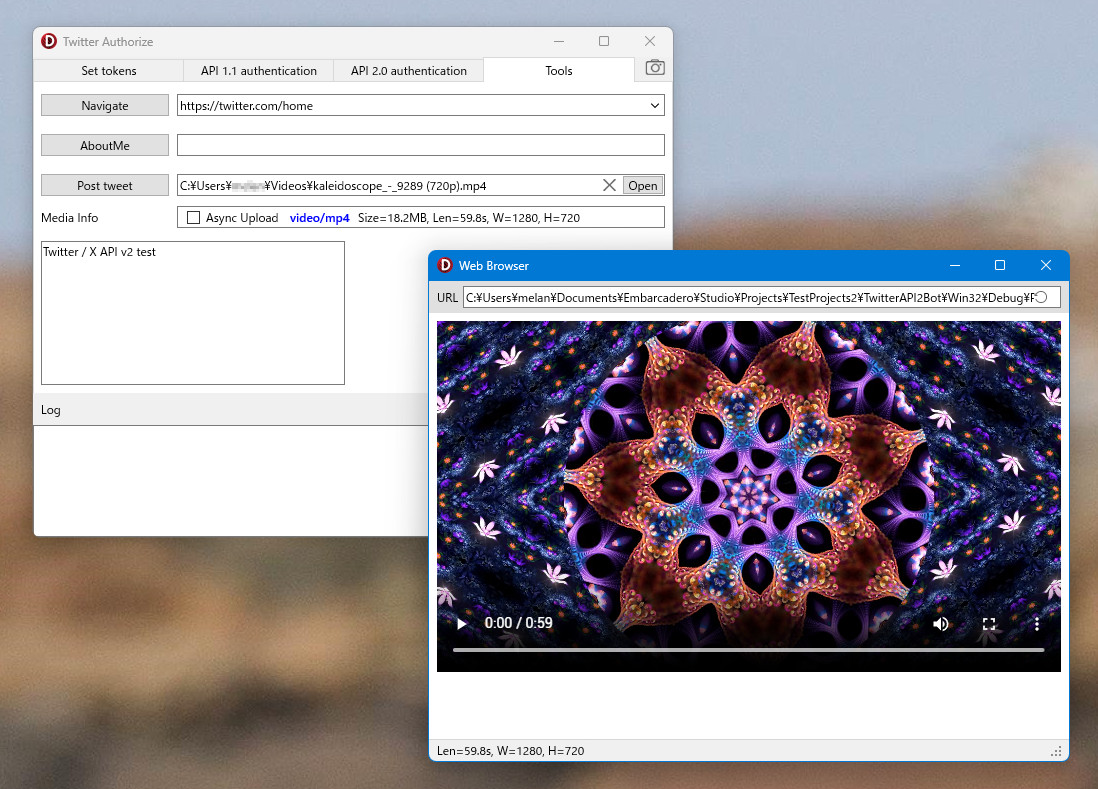
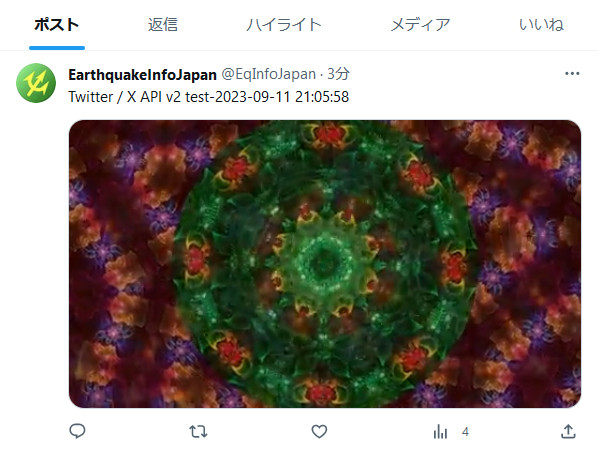
Post test tweets with Video
function TTwitterBot2.DoUploadImage_v2(Filename: string): string;
function TTwitterBot2.DoRefreshTokens_v2: string;
function TTwitterBot2.DoPostTweet_v2(Text: string; MediaID: string):
string;
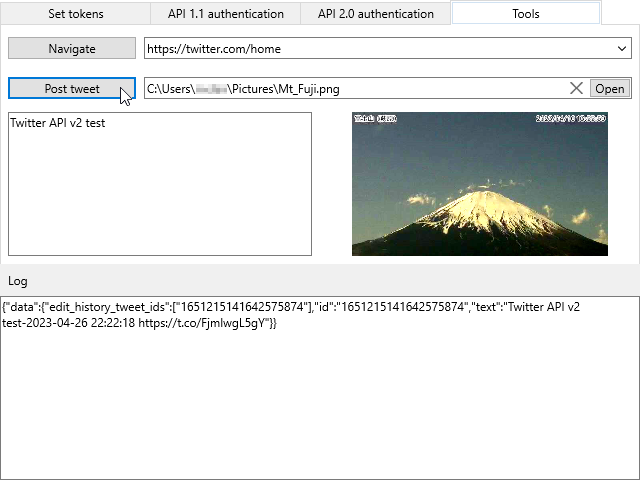
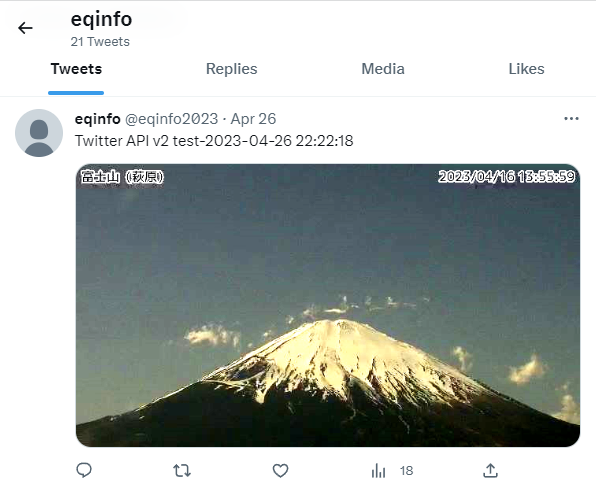
After your App is authorized, try to post a tweet with a image.
Clikc [Tools] tab.
Click a button to select a image file.
Type a text in a memo box to post.
Click a button.
Hint
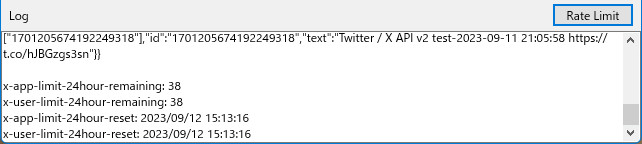
An access token / bearer token lifetime is 7200 seconds. Before you use an access token, check whether
it is valid.
If it is not valid, you must obtain a new access token with a refresh token.
At this refreshing process, you get an new access token and a refresh token that you can use at the next
refreshing process.
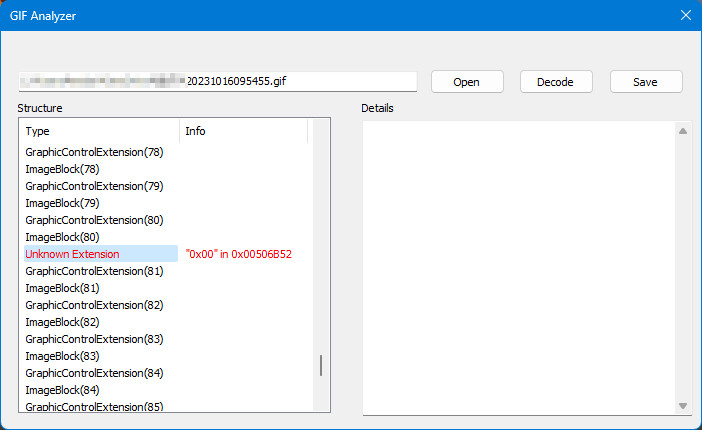
If you create an Animated Gif File with the VCL TGifImage component, an error can occur in Twitter API.
Try use TAnimatedGifClass in a file GifAnalyzeClassUnit.pas.
USAGE
First load Gif file: TAnimatedGifClass.LoadData(Filename: string);
Then save Gif file: TAnimatedGifClass.SaveData(Filename: string);